QuickDreamViz
AI Kitchen Design and Remodeling Visualizer
Upload a kitchen photo and test materials, cabinet directions, backsplash ideas, and lighting upgrades before you spend on a remodel.
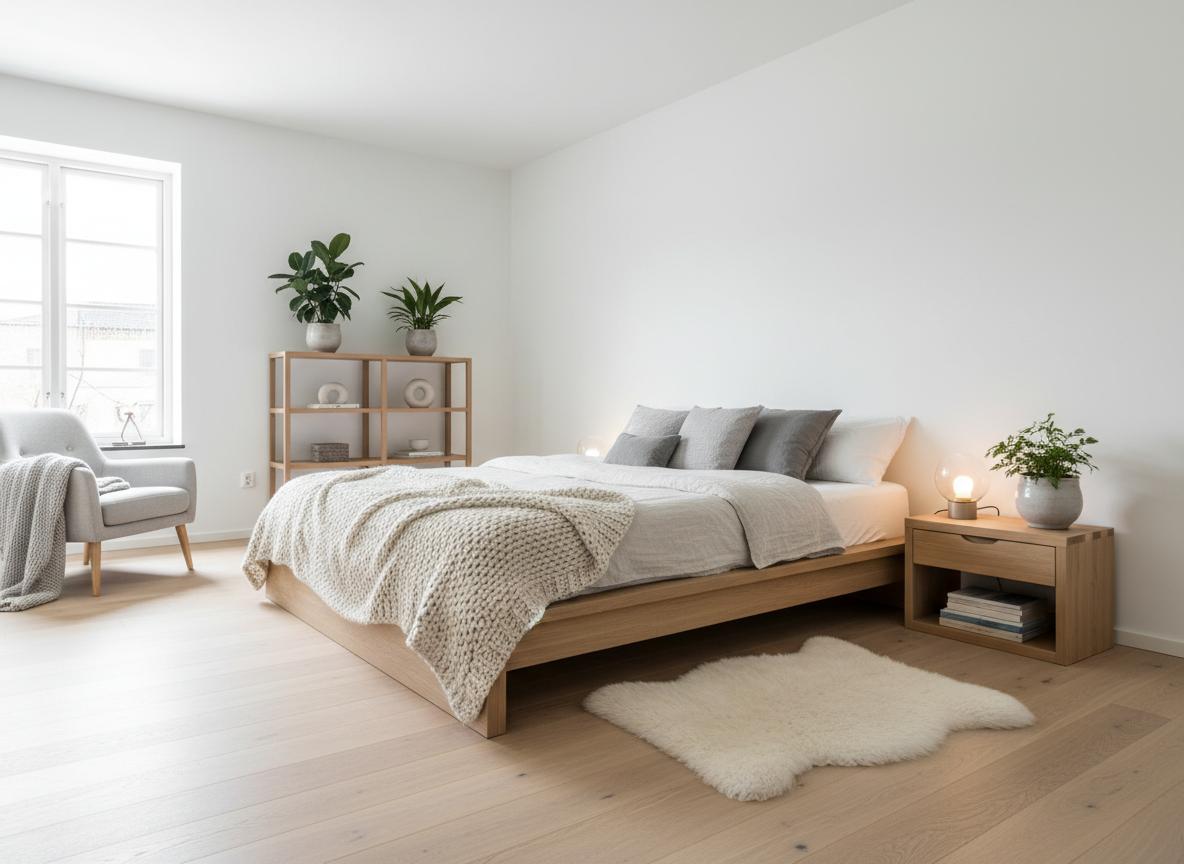
Cabinet & Material Testing
Compare painted cabinetry, natural wood, stone counters, tile backsplashes, and flooring ideas.
Remodel Direction
Use AI to visualize whether a kitchen should feel brighter, warmer, more modern, or more premium.
Listing & Presentation Ready
Generate kitchen concepts for your own renovation planning or for real estate marketing visuals.
Why AI is useful for kitchen planning
AI kitchen design helps you test visual directions before you commit to cabinetry, counters, or wall finishes. It is especially helpful when you want to compare several moods quickly, such as warm modern, bright Scandinavian, or higher-end luxury finishes.
Best things to test in a kitchen photo
- Cabinet colors and material finishes.
- Backsplash textures and counter surfaces.
- Pendant lights, under-cabinet lighting, and flooring updates.
Kitchen prompt examples
Try: redesign this kitchen with warm oak cabinets and white stone counters; replace the backsplash with white subway tile; add black pendant lights and a brighter modern palette.
Try ai kitchen design with QuickDreamViz
Why users trust this workflow
- Upload a room photo and keep the original layout visible before making design decisions.
- Generate room visuals, virtual staging concepts, and walkthrough videos from one workflow.
- Use Magic Brush for local edits instead of restarting a full room generation.
What to know before you upload
- Use a bright, high-resolution photo with walls, floor, and key furniture visible.
- Generated images are for visualization and presentation, not construction-grade plans.
- Paid plans should clearly state export quality and commercial usage rights on pricing pages.
FAQ
How does AI optimize kitchen workflow and the work triangle?
QuickDreamViz assesses the relationship between refrigerator, sink, and cooktop. The AI proposes ergonomic island placements, counter clearance zones (minimum 36 to 42 inches), and task lighting while maintaining existing rough-in plumbing lines.
Can I test different countertop and cabinet material combinations?
Yes! You can instantly experiment with fluted oak, matte black, shaker, or flat-panel cabinets paired with quartz waterfall islands, terrazzo, or honed marble countertops in real-time.
Can I create a 3D video tour of my remodeled kitchen?
Yes. Once you generate a kitchen concept you love, click "Generate Video" to produce a 1080p 3D walkthrough exploring the kitchen from the entry hallway to the central island.
Is QuickDreamViz kitchen design free to try?
Yes. Every visitor receives 1 daily free high-resolution kitchen rendering, and registered accounts can preview a 3D walkthrough tour.
Try It Now
Upload your room photo and see the magic happen. No signup required for your first design.
Drag & drop your room photo
Supports JPG, PNG up to 10MB (16:9 crop to 1920px)
Upload a photo to see the preview
How It Works
From photo to 3D walkthrough in 3 simple steps
Upload Your Photo
Take a photo of your room and upload it. We support JPG, PNG up to 10MB. Our AI will analyze the space structure.
Choose Your Style
Select from 8 curated interior design styles. Preview instantly how each style transforms your space.
Get Your 3D Walkthrough
Our AI generates a stunning video tour. Download and share with friends, family, or clients!
Explore 8 Design Styles
Click any style to see more examples and learn about its characteristics
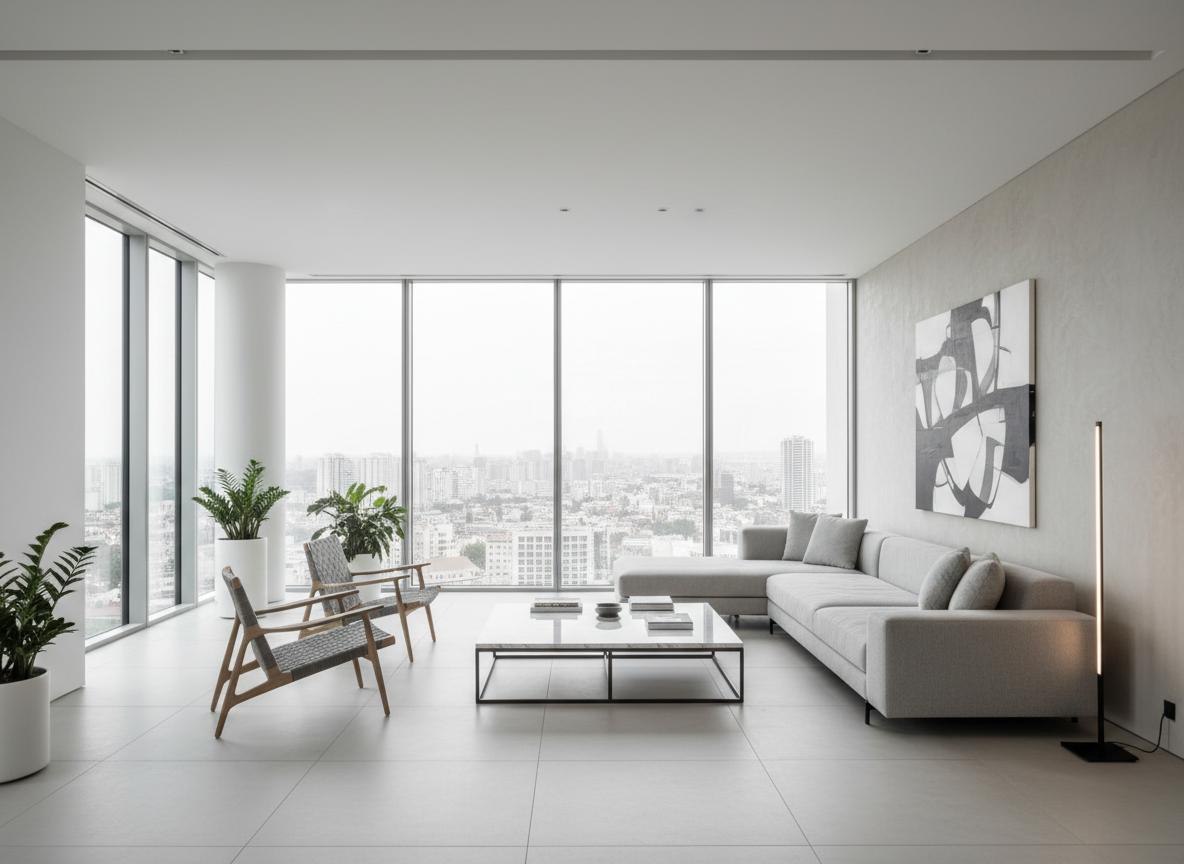
Modern Minimalist
Clean lines, neutral colors, and functional design
Modern Minimalist
Scandinavian
Light, cozy, and natural elements
Scandinavian
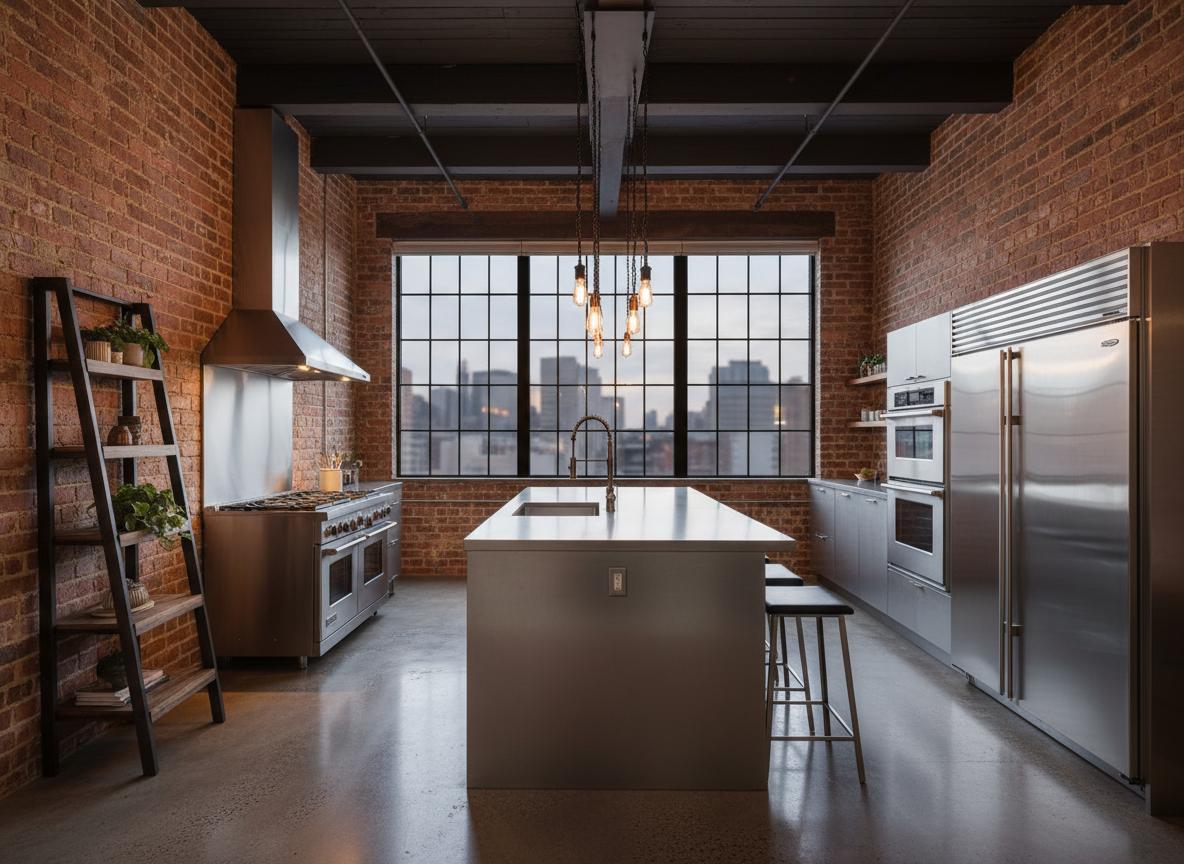
Industrial Loft
Raw materials, exposed structures, urban feel
Industrial Loft
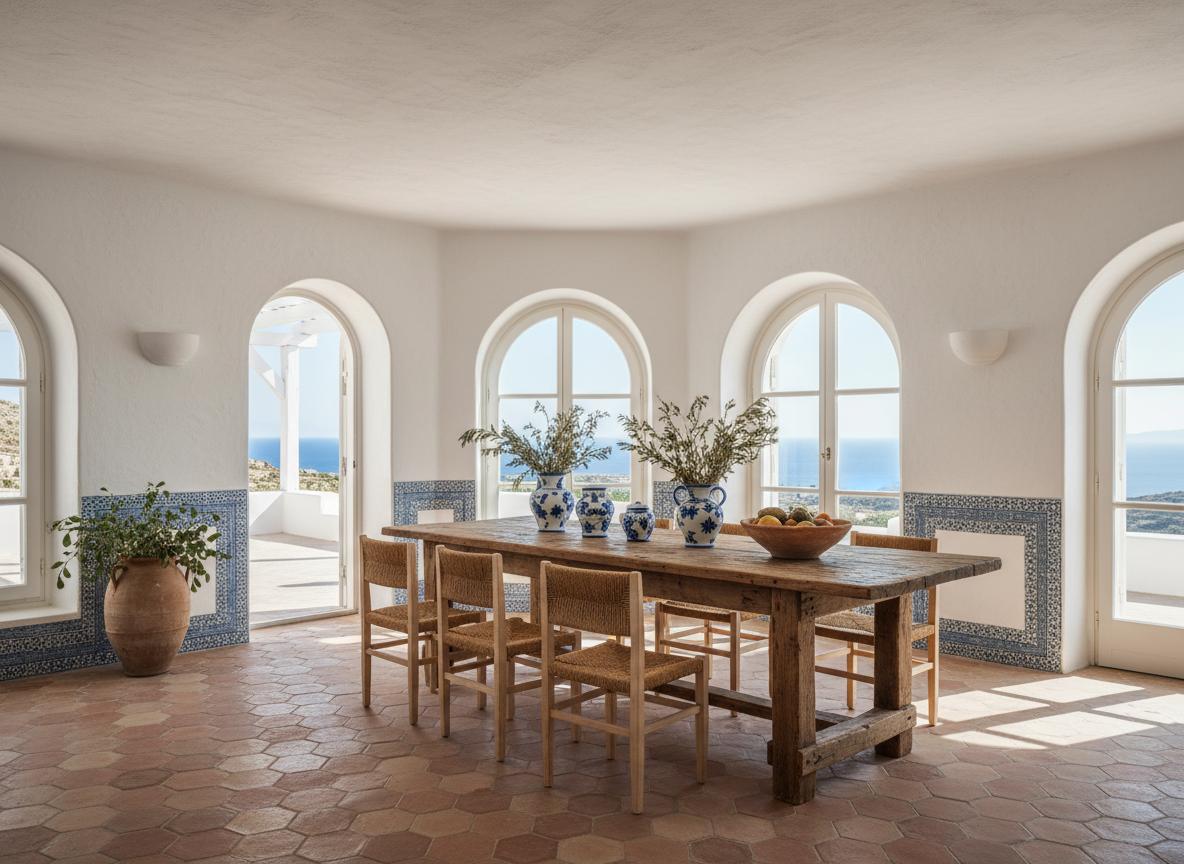
Mediterranean
Warm colors, natural textures, coastal vibes
Mediterranean
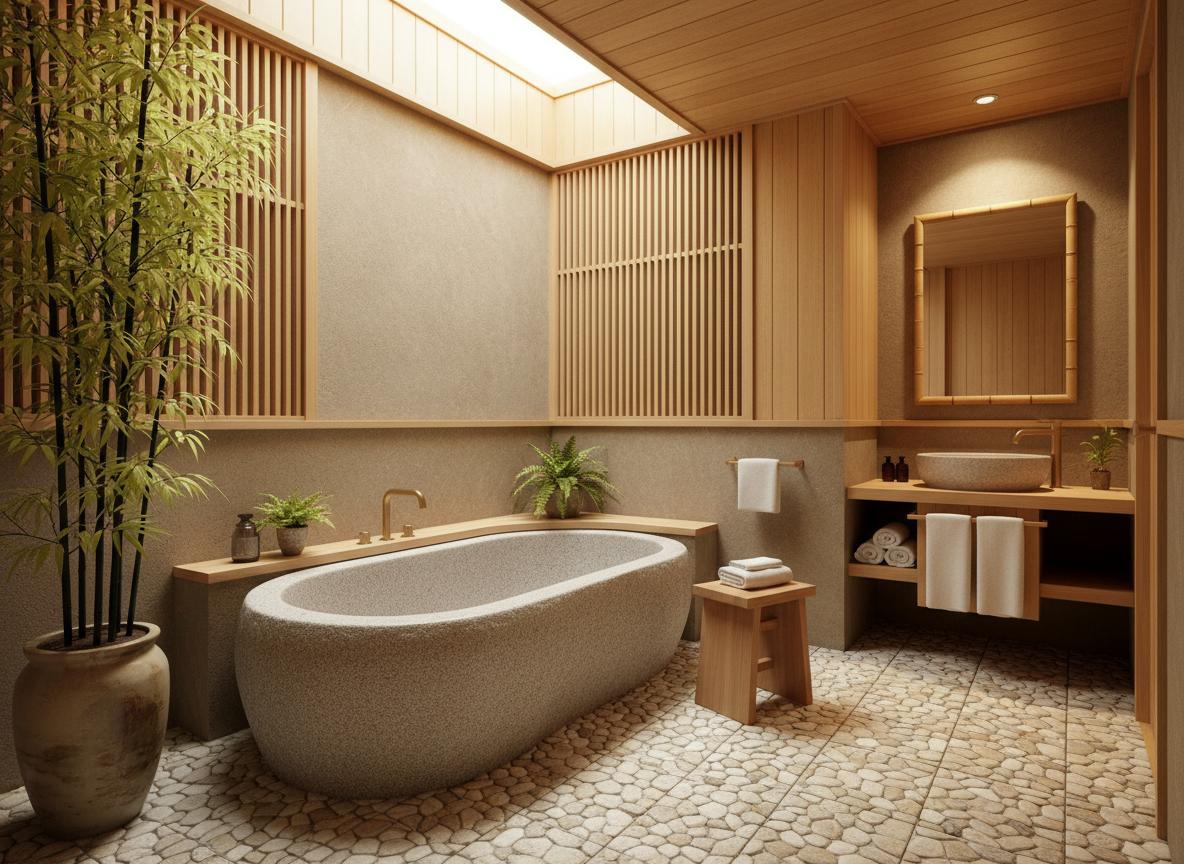
Japanese Zen
Minimalist, natural materials, peaceful atmosphere
Japanese Zen
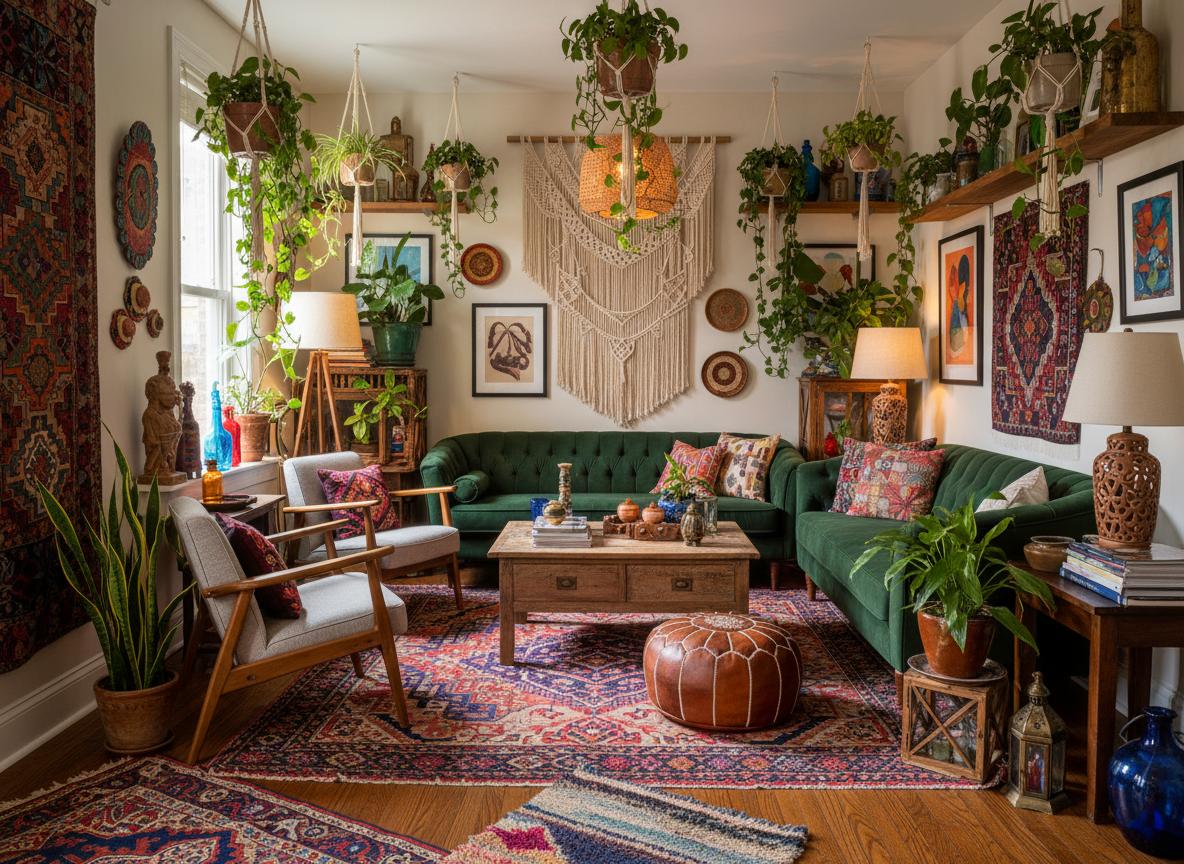
Bohemian
Eclectic, colorful, artistic expression
Bohemian
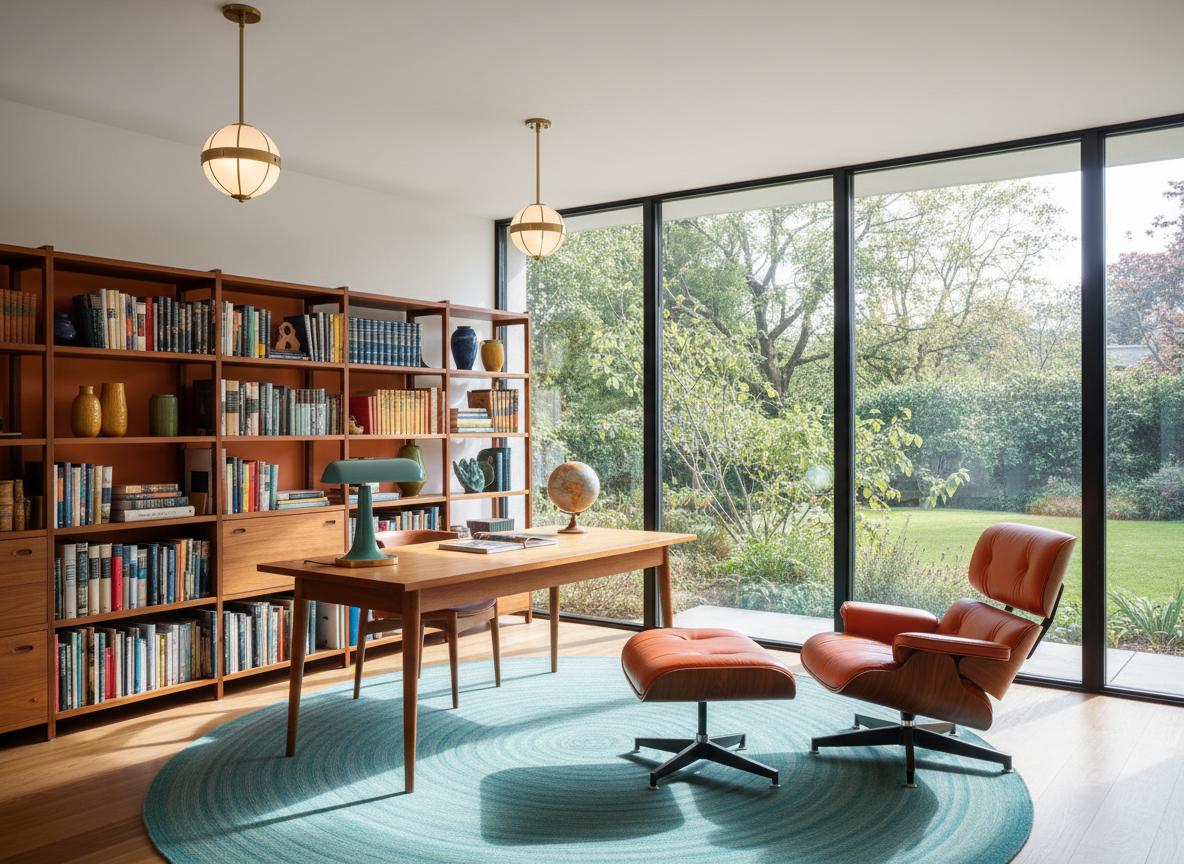
Mid-Century Modern
Retro charm, bold colors, iconic designs
Mid-Century Modern
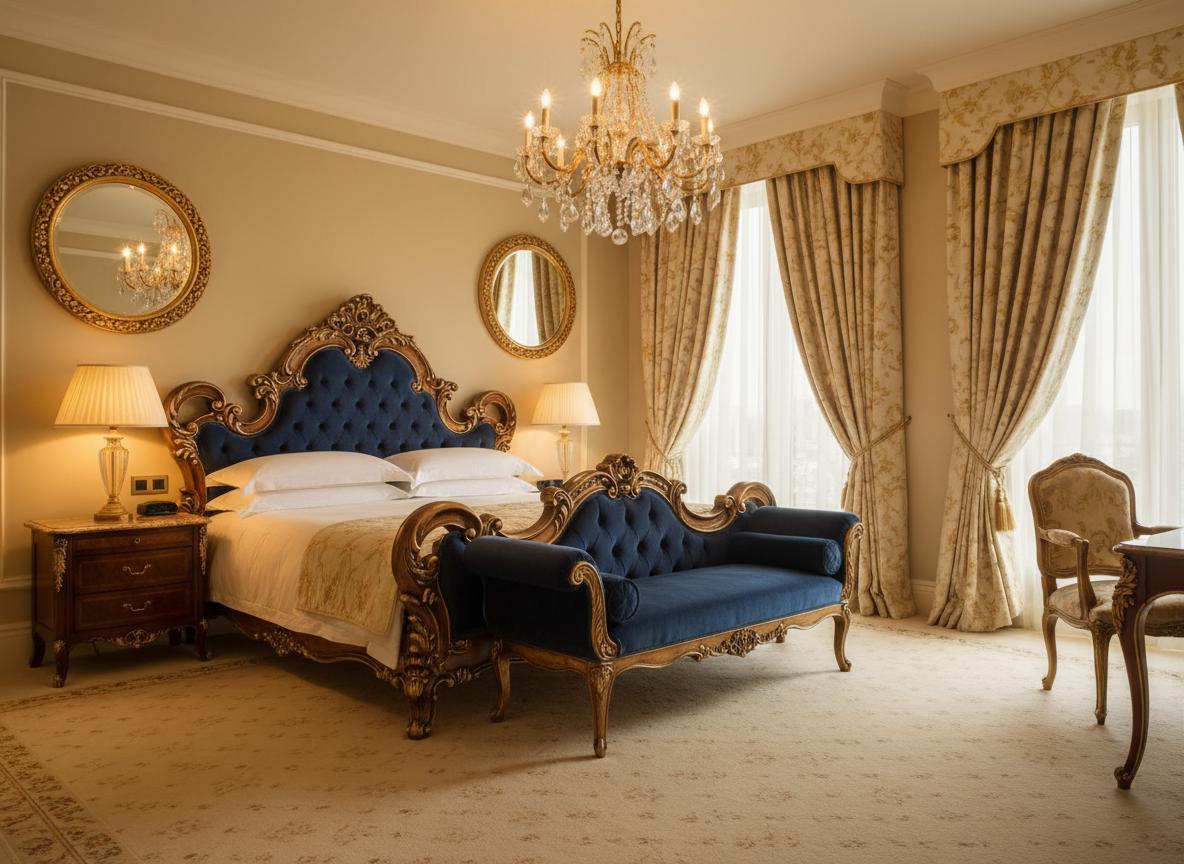
Luxury Classic
Elegant, ornate details, sophisticated ambiance
Luxury Classic
Simple, Transparent Pricing
Choose the plan that fits your needs. All plans include free credits to start.
Starter
20 credits per month
- 20 credits per month
- 720p video output
- Watermarked videos
- Email support
Pro
60 credits per month
- 60 credits per month
- 1080p video output
- No watermark
- Priority queue (-30% wait)
- Unlimited project history
Studio
200 credits per month
- 200 credits per month
- 4K video output
- Custom branding
- Batch upload (10 images)
- API access (100 calls/month)
- Dedicated support
All plans include a 14-day free trial. No credit card required.
Credits roll over and never expire while your subscription is active.