QuickDreamViz
AI Design Walkthrough Tool for Interior Visualization
Updated for 2026: Now supporting 4K cinematic rendering. Turn a room photo into a visual plan and experience the future of home flow step by step.
Cinematic Motion
Smooth, high-definition video paths that showcase every corner of your redesigned space.
Instant Rendering
Go from photo to 3D video in under 2 minutes using our distributed GPU network.
Style Swapping
Generate multiple walkthroughs for the same room in different styles to compare vibes.
Who is it for?
- Real Estate Agents: Create immersive tours for empty listings in seconds.
- Designers: Present concepts that clients can 'feel' through motion.
Technical Requirements
For best results, upload 16:9 photos with clear structural lines. Our AI handles perspective correction automatically to ensure the walkthrough feels natural.
Why Use a Walkthrough Instead of a Static Render?
- Show the flow of a space instead of a single camera angle.
- Help homeowners and clients understand scale, lighting, and atmosphere.
- Give real estate listings a stronger visual story than empty-room photos alone.
Photo Tips for Better Walkthrough Results
- Use a wide, well-lit room photo that shows at least two walls and part of the floor.
- Avoid extreme close-ups or strong motion blur.
- Keep furniture visible so the AI can preserve layout context before redesigning.
Try ai design walkthrough with QuickDreamViz
Why users trust this workflow
- Upload a room photo and keep the original layout visible before making design decisions.
- Generate room visuals, virtual staging concepts, and walkthrough videos from one workflow.
- Use Magic Brush for local edits instead of restarting a full room generation.
What to know before you upload
- Use a bright, high-resolution photo with walls, floor, and key furniture visible.
- Generated images are for visualization and presentation, not construction-grade plans.
- Paid plans should clearly state export quality and commercial usage rights on pricing pages.
FAQ
How does QuickDreamViz generate a 3D interior walkthrough from a single room photo?
QuickDreamViz utilizes state-of-the-art spatial diffusion and 3D depth-estimation neural models. By analyzing structural edge maps, ceiling heights, and floor planes from your uploaded 2D photo, the AI synthesizes an immersive 6-second cinematic walkthrough video with realistic parallax, natural sunlight shifts, and depth-of-field blur.
What video resolution, duration, and frame rate are produced?
Walkthrough videos are rendered at 1080p Full HD resolution at a silky-smooth 60 FPS, with an optimal 6-second continuous camera push or orbit that highlights spatial circulation and material textures.
Can I use AI 3D walkthrough videos for commercial real estate listings and MLS?
Yes. Pro and Studio subscriptions include full commercial usage rights. The exported MP4 videos are ready for MLS, Zillow video walkthroughs, Instagram Reels, TikTok tours, and client presentations.
Does the AI preserve physical room architecture and load-bearing walls?
Yes. Unlike generic video generation models that warp room boundaries, QuickDreamViz locks room geometry using structural line detection. Windows, doors, columns, and ceiling transitions stay true to your physical property.
How long does it take to render a 3D space walkthrough video?
Video generation typically completes in 60 to 90 seconds. Pro subscribers benefit from high-priority GPU queues for expedited processing.
Can free users try 3D walkthrough video generation?
Yes! Every registered user is granted 1 free 5-second trial walkthrough video to preview the technology before upgrading to the Pro ($79/month) plan with 60 monthly HD credits.
Real 3D Walkthrough Transformation
Experience the complete evolution: from raw customer photo, to photorealistic AI render, to interactive 3D spatial depth, to cinematic 3D walkthrough video in 1080p.
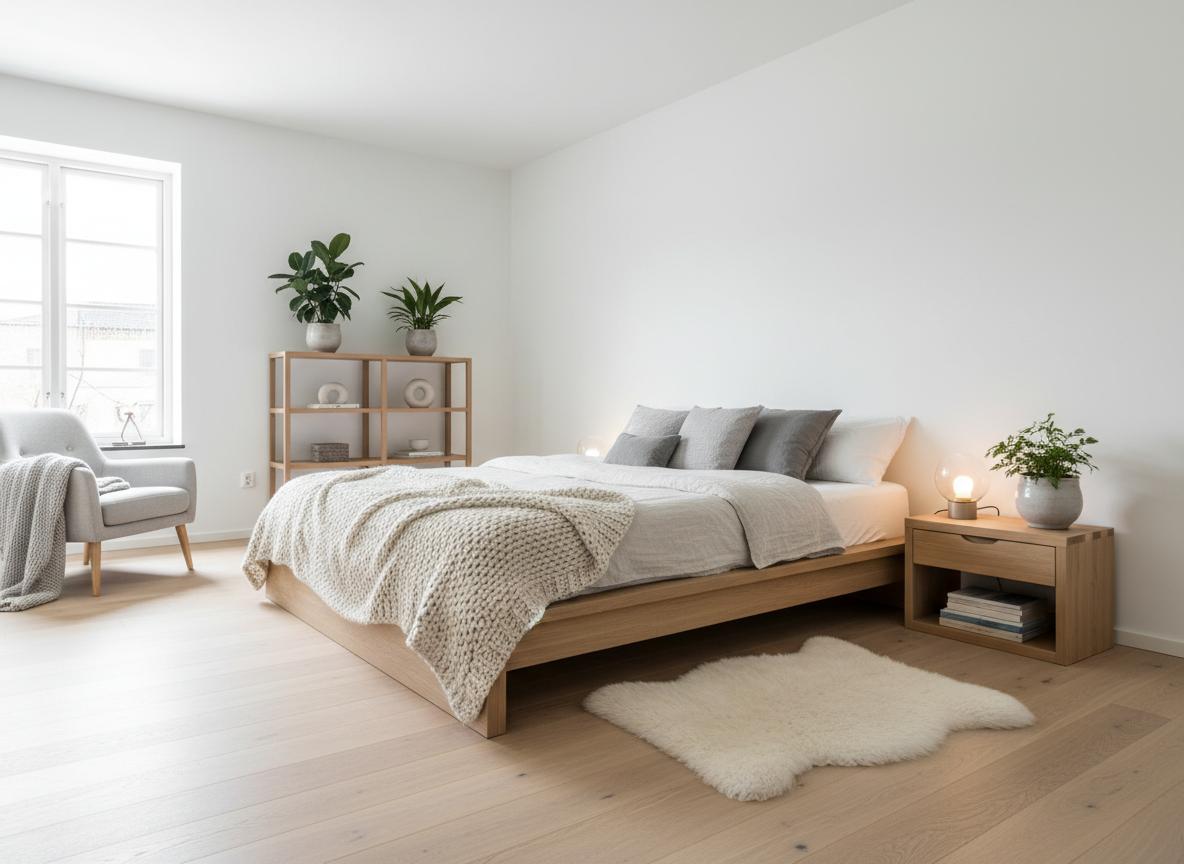
Modern Scandinavian Living Space
Transform a cluttered, dated apartment into a light-flooded Scandinavian living room with natural oak flooring and bespoke recessed LED lighting.
Try It Now
Upload your room photo and see the magic happen. No signup required for your first design.
Drag & drop your room photo
Supports JPG, PNG up to 10MB (16:9 crop to 1920px)
Upload a photo to see the preview
How It Works
From photo to 3D walkthrough in 3 simple steps
Upload Your Photo
Take a photo of your room and upload it. We support JPG, PNG up to 10MB. Our AI will analyze the space structure.
Choose Your Style
Select from 8 curated interior design styles. Preview instantly how each style transforms your space.
Get Your 3D Walkthrough
Our AI generates a stunning video tour. Download and share with friends, family, or clients!
Explore 8 Design Styles
Click any style to see more examples and learn about its characteristics
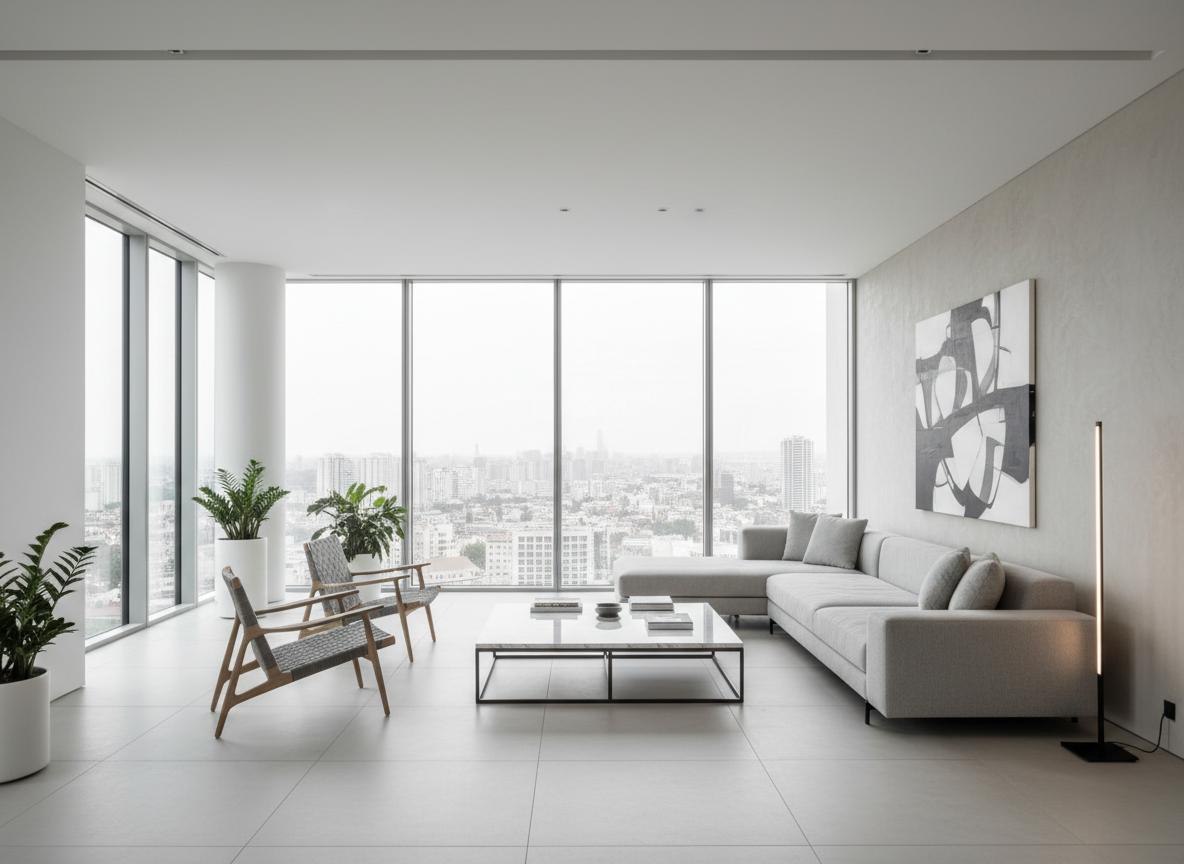
Modern Minimalist
Clean lines, neutral colors, and functional design
Modern Minimalist
Scandinavian
Light, cozy, and natural elements
Scandinavian
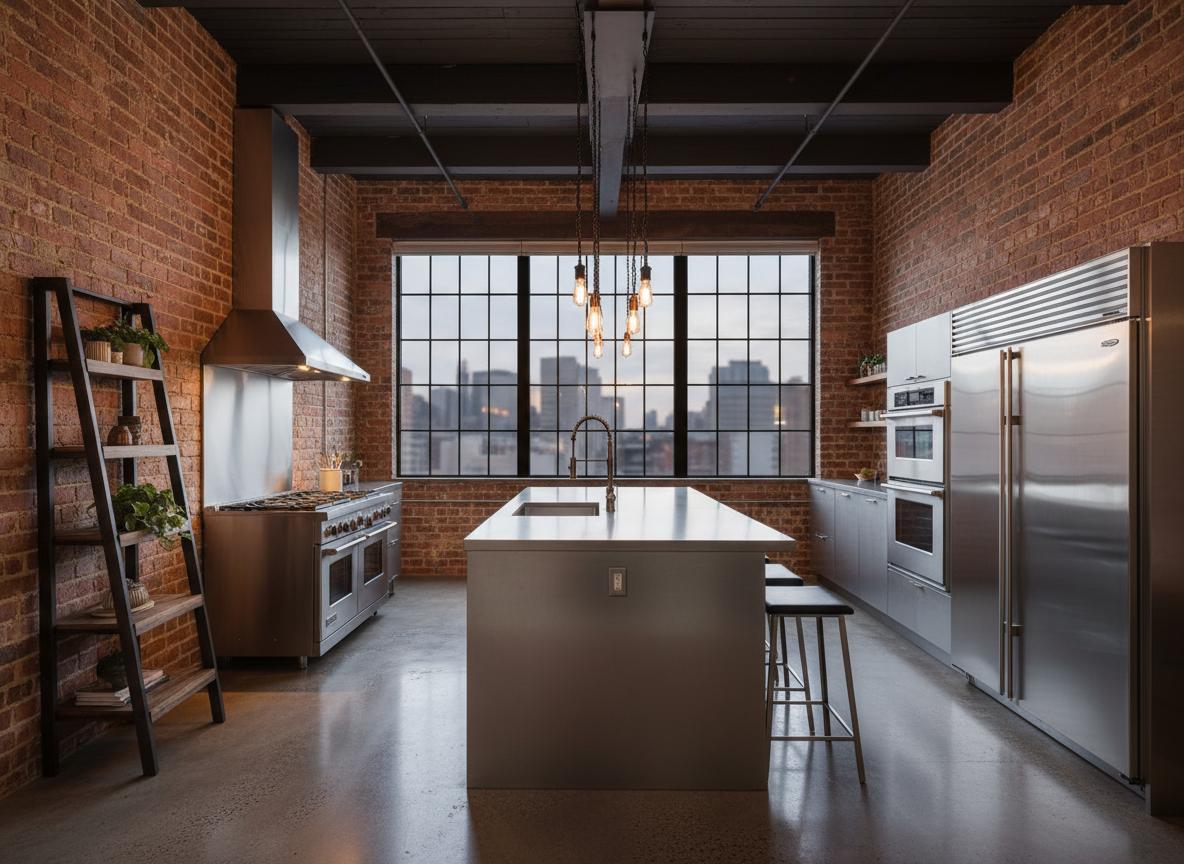
Industrial Loft
Raw materials, exposed structures, urban feel
Industrial Loft
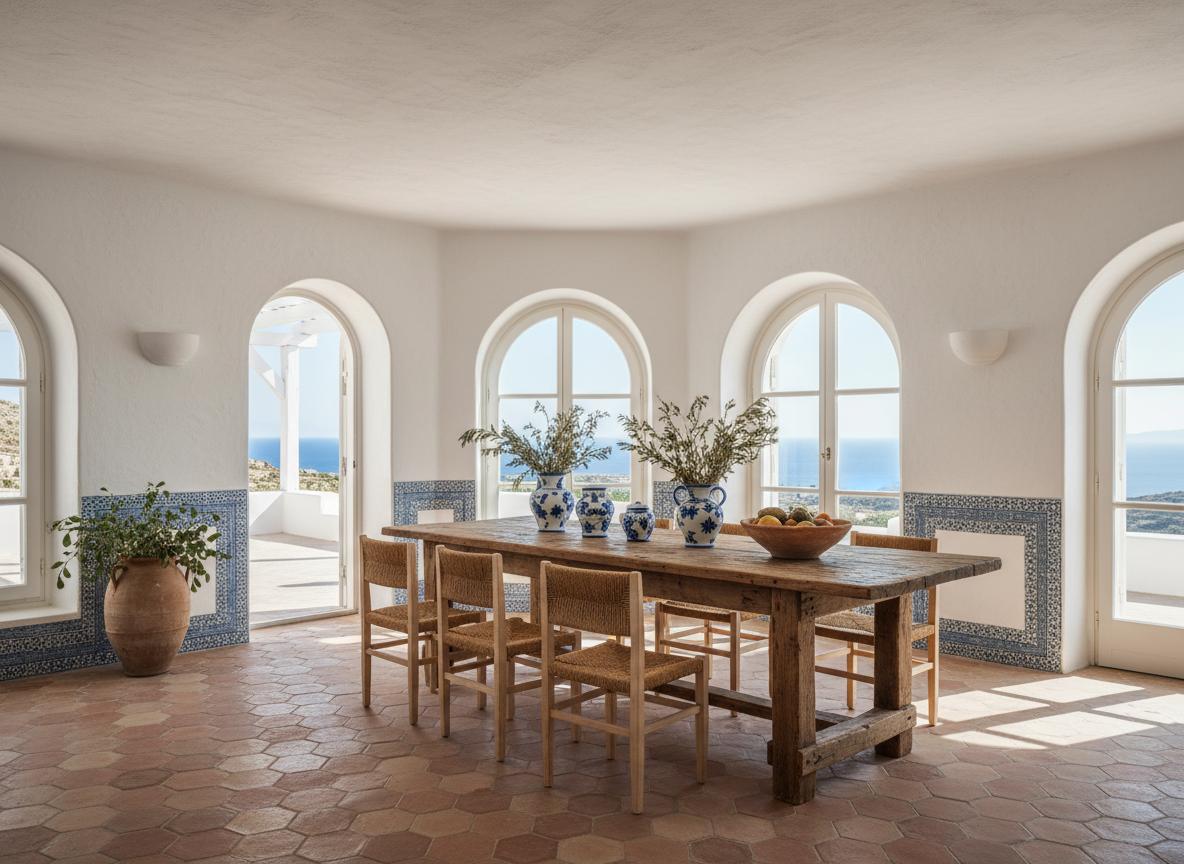
Mediterranean
Warm colors, natural textures, coastal vibes
Mediterranean
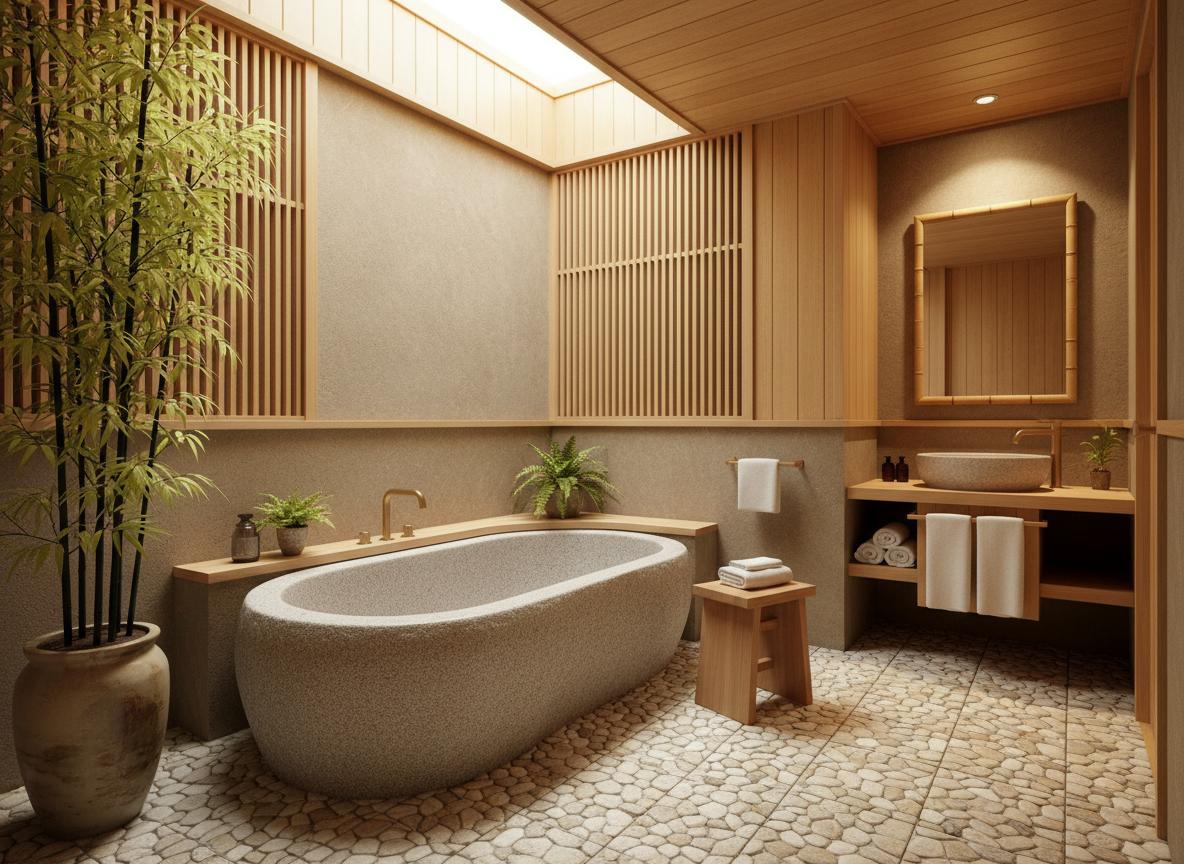
Japanese Zen
Minimalist, natural materials, peaceful atmosphere
Japanese Zen
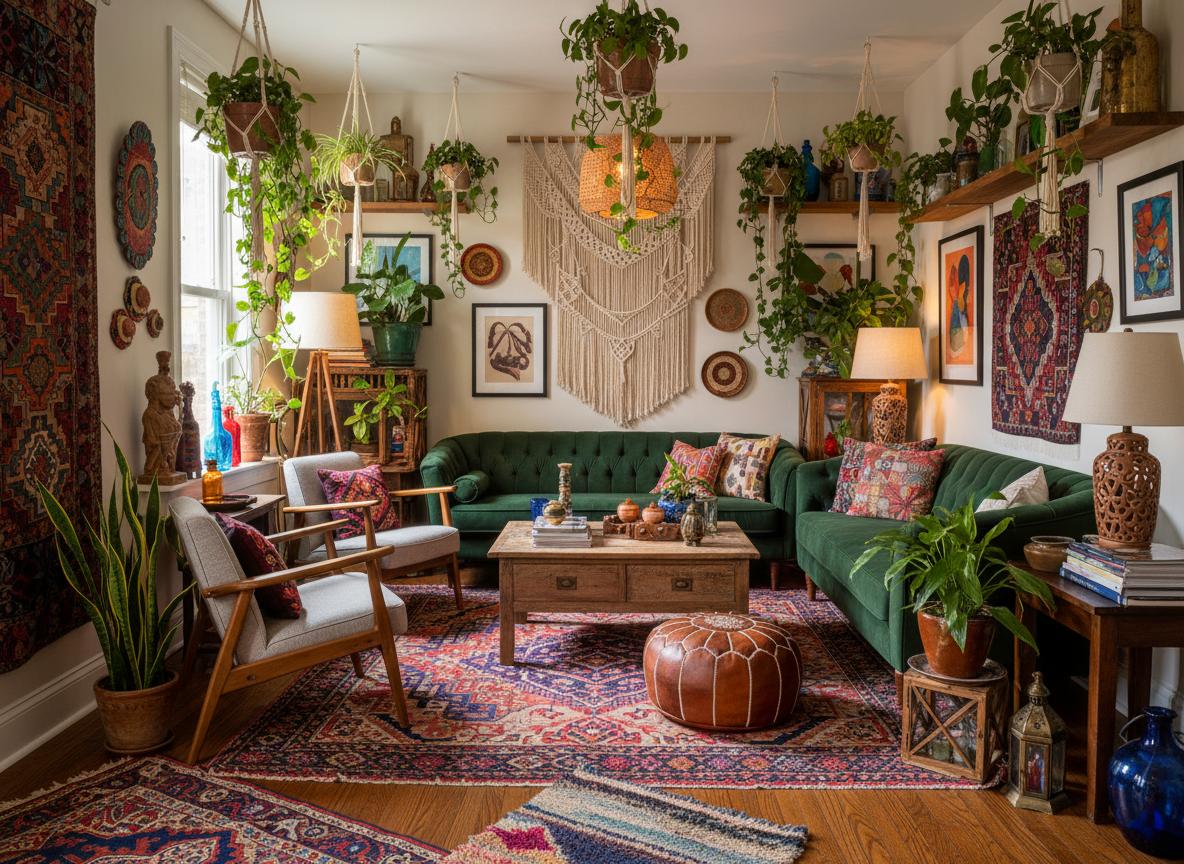
Bohemian
Eclectic, colorful, artistic expression
Bohemian
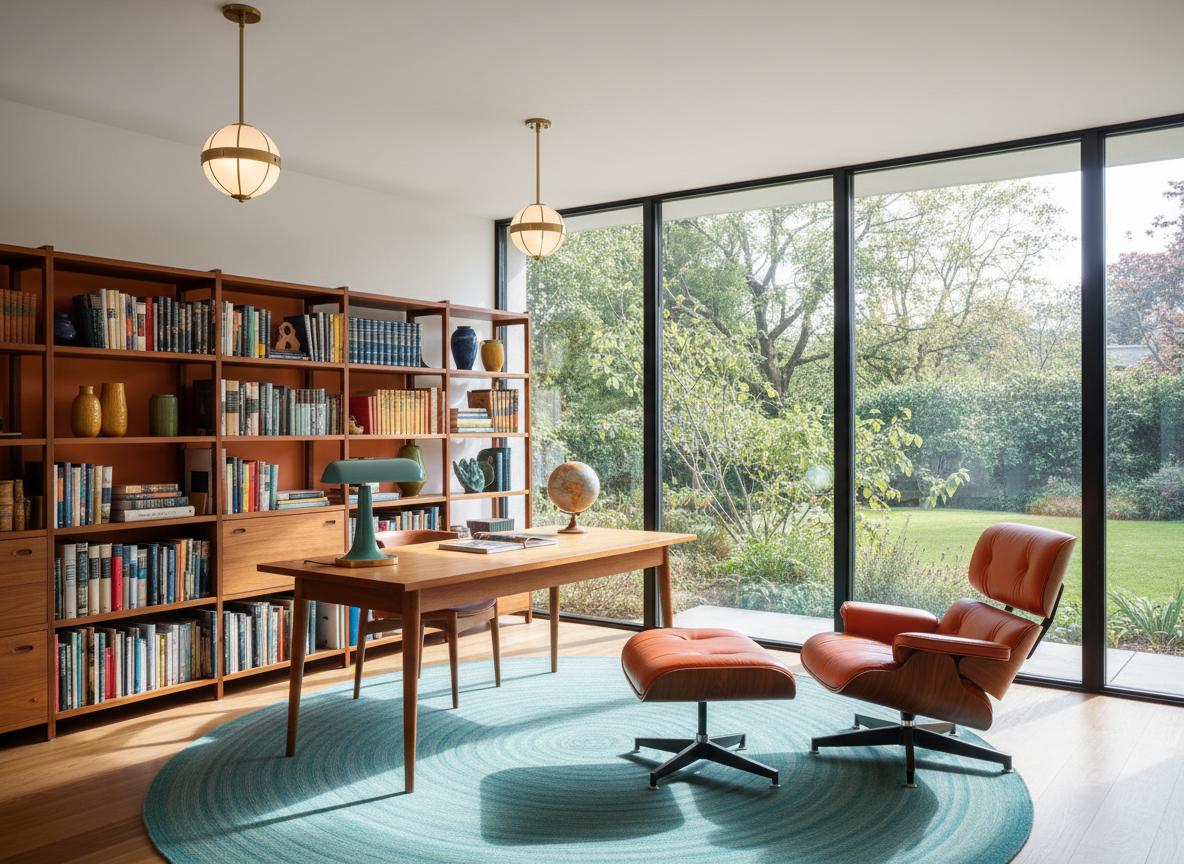
Mid-Century Modern
Retro charm, bold colors, iconic designs
Mid-Century Modern
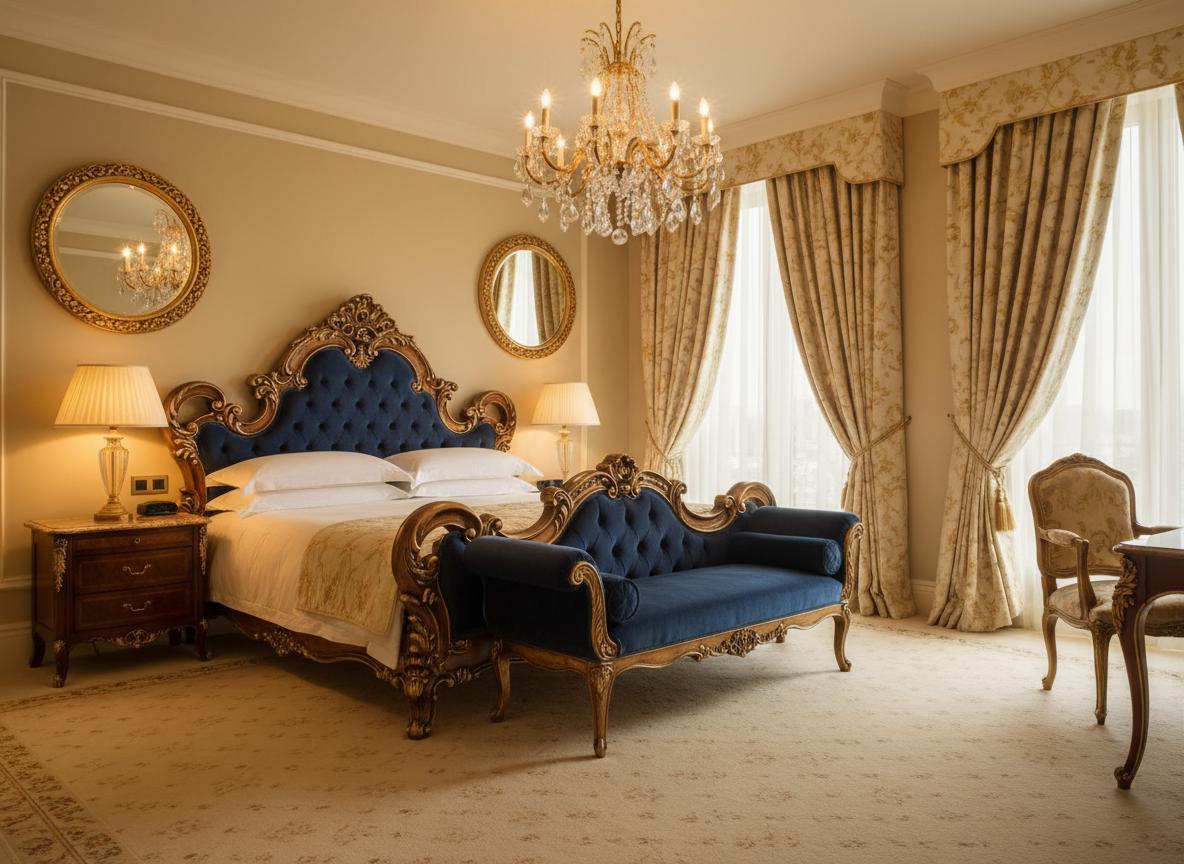
Luxury Classic
Elegant, ornate details, sophisticated ambiance
Luxury Classic
Simple, Transparent Pricing
Choose the plan that fits your needs. All plans include free credits to start.
Starter
20 credits per month
- 20 credits per month
- 720p video output
- Watermarked videos
- Email support
Pro
60 credits per month
- 60 credits per month
- 1080p video output
- No watermark
- Priority queue (-30% wait)
- Unlimited project history
Studio
200 credits per month
- 200 credits per month
- 4K video output
- Custom branding
- Batch upload (10 images)
- API access (100 calls/month)
- Dedicated support
All plans include a 14-day free trial. No credit card required.
Credits roll over and never expire while your subscription is active.